NQ Contract Months and Rollover: The Quarterly Trap
Every three months the contract you're trading stops being the one everyone else is trading. The dates for the December 2026 roll, how NinjaTrader and Tradovate handle it differently, and why levels drawn on the old contract don't carry over 1:1.
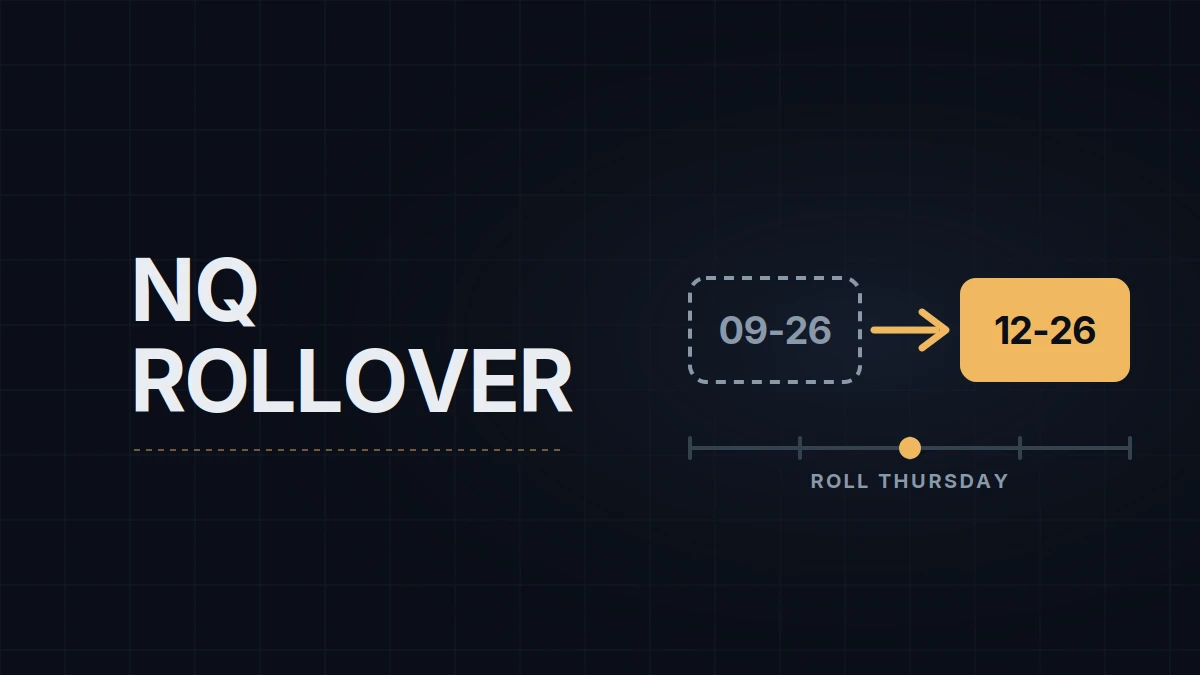
NQ doesn't trade as one instrument. It trades as four contracts a year, each with its own expiration, and every quarter the one you're trading stops being the one everyone else is trading. The current one is the December 2026 contract: NQZ6 in exchange notation, NQ DEC26 in NinjaTrader (NQ 12-26 when typed), MNQ DEC26 for the micro. The letters are CME month codes, H for March, M for June, U for September, Z for December; the digit is the year. If the two contracts and their tick values are new to you, NQ vs MNQ is the place to start.
The December contract stops trading on Friday, December 18, 2026, at 9:30 AM ET / 15:30 CET, and it settles in cash against the Nasdaq-100's special opening quotation that morning. Nobody who day-trades it waits for that. Volume moves to the March contract four days earlier, on CME's roll date, Monday, December 14, and from that session on the December contract's spread widens while the March contract's tightens. Trading the old one after the roll means paying more per fill for less liquidity.
| December 2026 (DEC26, Z6) | March 2027 (MAR27, H7) | |
|---|---|---|
| Volume shifts to it | Monday, September 14, 2026 | Monday, December 14, 2026 |
| Last trade | Friday, December 18, 2026, 9:30 AM ET | Friday, March 19, 2027, 9:30 AM ET |
| What to do | close, redraw, switch | be on it from December 14 |
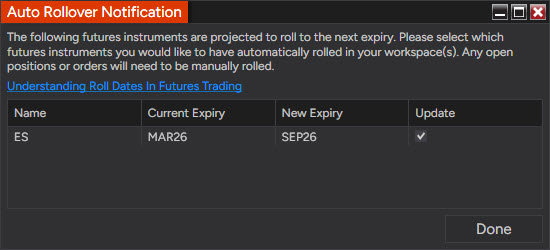
Two platform details decide whether you notice in time. NinjaTrader is date-driven: on its scheduled rollover date it pops up a prompt to roll your instrument lists to MAR27, and the date it uses is in Control Center › Tools › Instruments › NQ › Rollover; if you trade the continuous NQ ##-## symbol, the chart rolls on that date and the Merge policy under Tools › Settings › Market data (Options before version 8.1.5) decides whether the history is stitched with or without back-adjustment.
Tradovate, which sits under Lucid and most other prop accounts, is volume-driven: its continuous symbol switches when March out-trades December, usually a day or so after NinjaTrader's prompt. Near expiry Tradovate rejects new orders in the old contract with "Liquidation only, contract is about to expire", and on expiration day it expires the contract at 9:30 AM ET with any open position left inside. Every order entry window, ATM template and trade copier configuration that names the December contract needs to name the March one; the copier is the one people forget.
The trap isn't the dates; those are on every calendar. It's the levels. March trades at a different price from December, by an amount that reflects a quarter of interest minus dividends, and at the time of writing that is a few hundred points, not ticks. A prior-day high drawn on the DEC26 chart is not the prior-day high on MAR27, and the overnight range, the volume profile and every session level from the last week of the old contract sit at the wrong price on the new one unless you back-adjust or redraw. When NinjaTrader's rollover prompt comes up on the roll date, I let it move my instrument lists and charts to MAR27, close anything still open on DEC26, and mark the day's levels from the March contract's own data, even if that means fewer levels for a session. The setting that puts the right contract on the chart is in the Data Series window, covered in the NinjaTrader chart setup post.
What else lands in the days around this roll, from the FOMC decision to the Nasdaq-100 reconstitution, is in the expiration week post. The roll after this one is Monday, March 15, 2027, with the March contract expiring on Friday, March 19.
Educational content, not investment advice. Futures trading involves substantial risk of loss. Examples are for illustration only. Read the full Risk Disclosure.