TradingView Real-Time CME Data for NQ: Which Subscription You Need and What Non-Pro Status Means
A free TradingView chart of NQ is 10 minutes behind the market. The three ways to get it live, what each costs at the time of writing, what the broker-data route asks for, why prop accounts are a grey area there, and when delayed data is all the job needs.
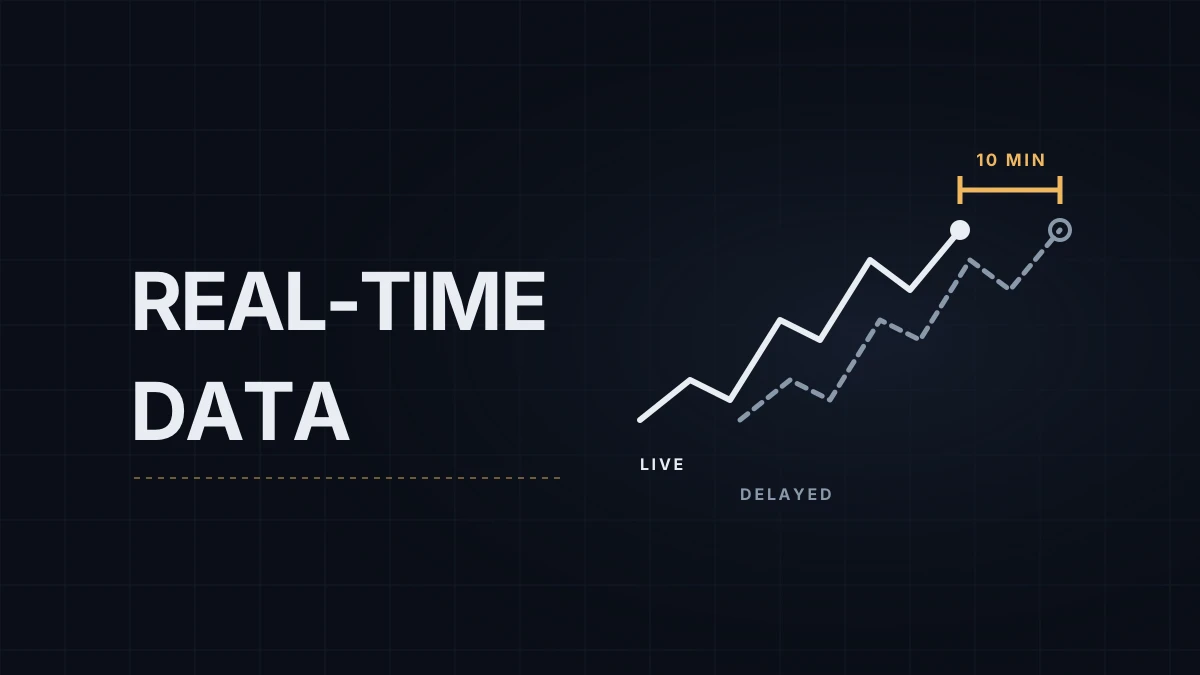
On a free TradingView account, E-mini Nasdaq-100 (NQ) futures are 10 minutes late. That's fine for reading yesterday's profile and useless for anything that depends on where price is right now. TradingView real-time futures data for CME Group contracts is sold separately from the platform plans, and the table sets the free default next to the three ways to get it. If NinjaTrader is where your execution charts live, the chart setup pillar covers that side; this post is only about TradingView.
| Route | Real-time NQ? | Cost at the time of writing | The catch |
|---|---|---|---|
| Basic (free plan) | No, 10-minute delay | $0 | Exchange data can't be added to the free plan |
| Paid plan + CME Group package | Yes | Essential at $12.95 a month (billed annually) plus the CME package at $7.00 a month: about $19.95 a month, $239.40 a year | Non-professional users only; Essential allows two data packages |
| Data verified through your broker | Yes, once verified | Nothing extra on TradingView if your broker already charges you for the data | Needs a live broker account with real-time data bought at the broker |
| Professional | Yes | Professional data packages, and TradingView says only the Ultimate plan ($199.95 a month, billed annually) is available to professional users | For anyone using the data for business purposes |
The CME Group package
One package covers all four CME Group exchanges: CME, CBOT, COMEX and NYMEX. That means NQ and ES (CME), the 10-year note future ZN (CBOT), gold (COMEX) and crude oil (NYMEX) together. The $7.00 figure is TradingView's US listing; the price shown depends on region, and from Europe the same package was listed at €7.00 a month in November 2026. The plan and the package are two separate subscriptions, and the package can only be added on top of a paid plan or a trial.
The broker route, and prop accounts
TradingView will switch on real-time data you already pay a broker for. The conditions on its help page: a live broker account, real-time data purchased with that broker, and a connection through the Trading Panel. Tradovate and NinjaTrader are on the list for CME, CBOT, COMEX and NYMEX. Verification lasts 7 days and renews every time you log in through the Trading Panel. On the free plan, verified data updates every few seconds; paid plans update faster.
Prop accounts are the grey area. Most futures prop firms that support TradingView do it through a Tradovate login, but that login belongs to a simulated account funded by the firm, and TradingView's page doesn't say whether it counts as "a live broker account". That's a case to test rather than assume, and the chart gives the answer: TradingView marks delayed symbols on the chart, so connect, open NQ and look before paying for anything.
The status question at checkout
Buying the non-professional package means confirming that the data is for personal use, that you aren't registered with a financial regulator, and that you aren't trading for an employer. The full checklist also covers trading your own capital and not sharing trading profits under an agreement, so a funded trader on a profit split should read it before ticking the box. Prop traders on simulated evaluations usually answer non-professional; live capital changes that. The definitions and the price gap are in professional vs non-professional market data.
When delayed data is enough
Preparation from finished sessions works on delayed data: yesterday's volume profile levels, prior day highs and lows, weekly levels. By the time you draw them they're hours old, and a 10-minute delay changes nothing. Live entries, alerts and anything you'd act on in the next minute need real time. My own morning profile comes from Order Flow+ in NinjaTrader, where the trading happens, so TradingView isn't part of my routine. For the broader choice between the two platforms, see TradingView vs NinjaTrader for futures.
Educational content, not investment advice. Futures trading involves substantial risk of loss. Examples are for illustration only. Read the full Risk Disclosure.