Education / Platform & Tools

Platform & Tools

NinjaTrader 8, order flow and the rest of my stack — setup guides and honest looks at what each tool is actually for.

01 Education Sep 3, 2026

NinjaTrader 8 Chart Setup: Data Series, Bar Types and Workspaces

The from-zero guide to charts in NinjaTrader 8: what a minute, tick, range, volume or Renko bar actually measures, the four Data Series settings that change what you see, the chart properties worth touching, and how templates and workspaces keep you from rebuilding it all tomorrow.
01 Education Aug 31, 2026

How to Import Indicators and Add-Ons into NinjaTrader 8

Every NinjaTrader 8 tool you download arrives one of two ways: a NinjaScript zip you import in three clicks, or raw .cs source files you drop in a folder and compile. Here's both paths, plus how to update, remove, and fix the errors that stop most people.

04 Education Sep 6, 2026

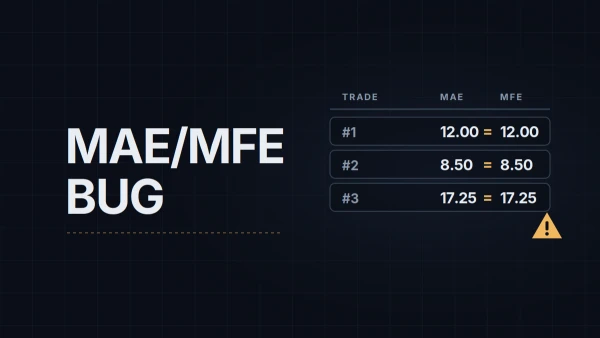
NinjaTrader's MAE/MFE Export Is Wrong: The Bug and Three Workarounds

MAE and MFE are the two numbers that tell you whether your stops and targets are in the right place, and on live accounts NinjaTrader 8 has been getting them wrong since 2023. What the columns mean, how to spot the bug in your own export, and three ways to get clean numbers.

06 Education Sep 8, 2026

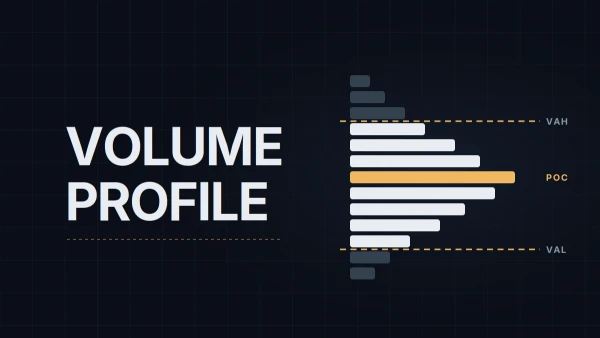
Free Volume Profile for NQ: TradingView Instead of the Paid NinjaTrader Add-On

Three numbers from yesterday's profile are worth marking before the open, and NinjaTrader charges for the tool that draws them. Four ways to get POC, VAH and VAL without Order Flow+, what each costs, a session profile in TradingView, and the five-minute routine that moves the levels to NT8.

12 Education Sep 17, 2026

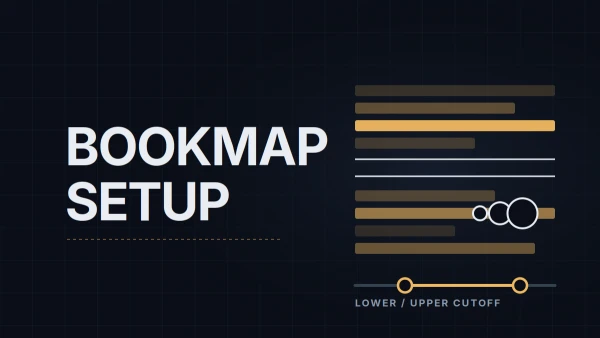
Bookmap Setup for NQ: Heatmap Settings, Volume Dots and What to Turn Off

A dark heatmap and a blinding one have the same cause: two cutoff values. Setting them for NQ, filtering volume dots so absorption is readable, which columns earn their width, loading your levels as notes with alerts, and the panels and add-ons worth switching off.

16 Education Sep 24, 2026

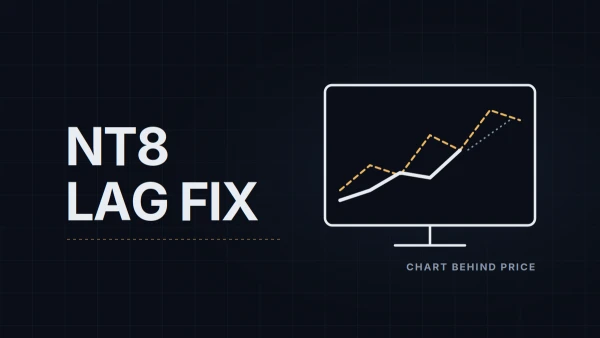
NinjaTrader 8 Performance: Why Charts Lag, Freeze or Stutter and How to Fix It

A chart that trails price, a window that stops responding and a chart that jerks while scrolling are three different problems with three different causes. How to tell them apart, the settings that cost nothing to change, how to find the one script eating the CPU, and when to blame the hardware.

23 Education Oct 8, 2026

Economic Calendar on the NinjaTrader Chart: Setting Up WotT Event Monitor

An economic calendar in a browser tab is one more window to check. WotT Event Monitor draws this week's USD releases and Nasdaq earnings on the NinjaTrader 8 chart: installing it, the settings that matter, three setups for three kinds of trader, and what it deliberately doesn't do.

24 Education Oct 8, 2026

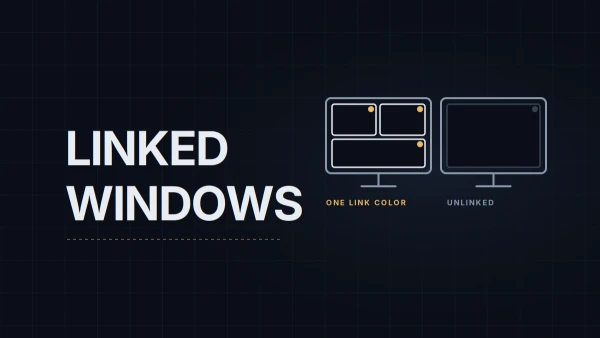
Workspaces, Instrument Links and Multi-Monitor Layouts in NinjaTrader 8

One chart turns into a desk quickly: an execution chart, a context chart, Time and Sales, a second monitor. How NinjaTrader 8 keeps those windows on the same instrument, how workspaces save and switch whole layouts, what tabs are good for, and what to do when a monitor goes missing.

26 Education Oct 9, 2026

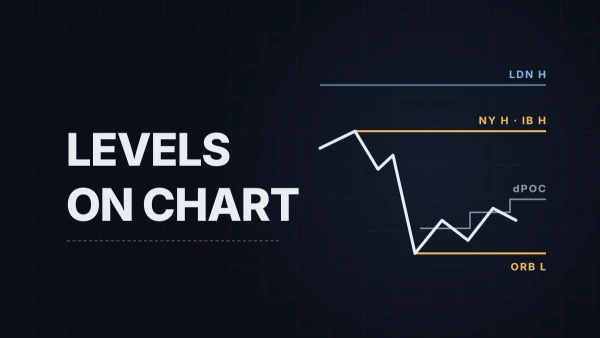
Session Levels on the NinjaTrader Chart: Setting Up WotT Session Key Levels

London high and low, the opening range, the initial balance, yesterday's value area: the same handful of prices goes onto the chart every morning. WotT Session Key Levels draws them on a NinjaTrader 8 chart: installing it, the settings that matter, three setups, and what it deliberately doesn't do.

27 Education Oct 15, 2026

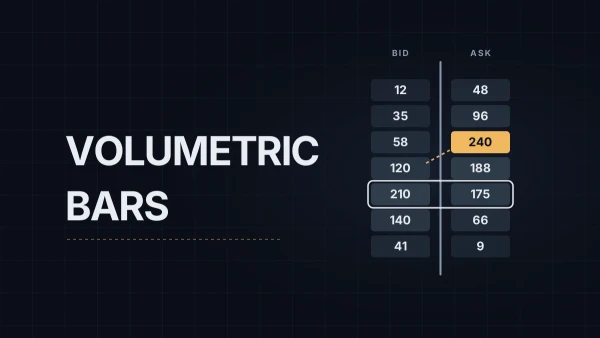
NinjaTrader Volumetric Bars: Setting Up the Order Flow+ Footprint for NQ

Volumetric bars are NinjaTrader's footprint chart: every bar split into price rows with the contracts traded at the bid and at the ask. The setup for NQ, the ticks-per-level setting that keeps them readable, what BidAsk, Delta, imbalances and the statistics grid show, and what the history needs.

← All education topics

Trade Notes

One email per week. What I traded, what I learned, and what's on the desk for next week. No spam, no signals.